For YouTube, in Chrome · free
Do more with any YouTube video. Don’t just watch it.
Press Open in Beyond under any video. About a minute later you get a page made from it: a lesson to test yourself on, code to run, a match goal by goal, a song part by part, a trailer’s story and cast, a recipe to cook along.
Chrome on a computer · on a phone, share to Beyond · English, Spanish, German, French, Turkish
- 1On YouTube
- 2Press Open in Beyond
- 3Your page
Pick up where you left off
Made with Beyond from real lessons
Watch less. Learn more.
Every page below was made from a YouTube video in about a minute. Open one and try it.
 Run the codeLearn Python in less than 10 minutesEvery example from the lesson, in a console you can run and change.
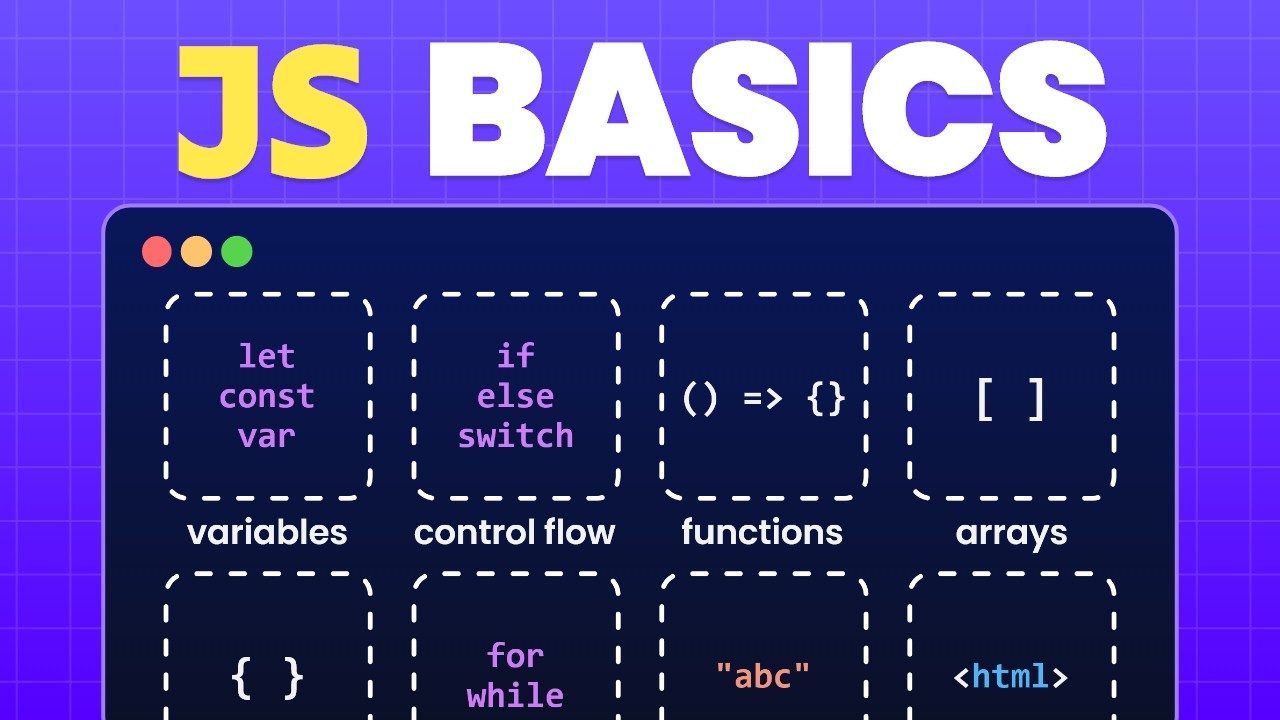 Code + quizAll the JavaScript basics in 20 minutesTry each idea in code, then test yourself on what stuck.
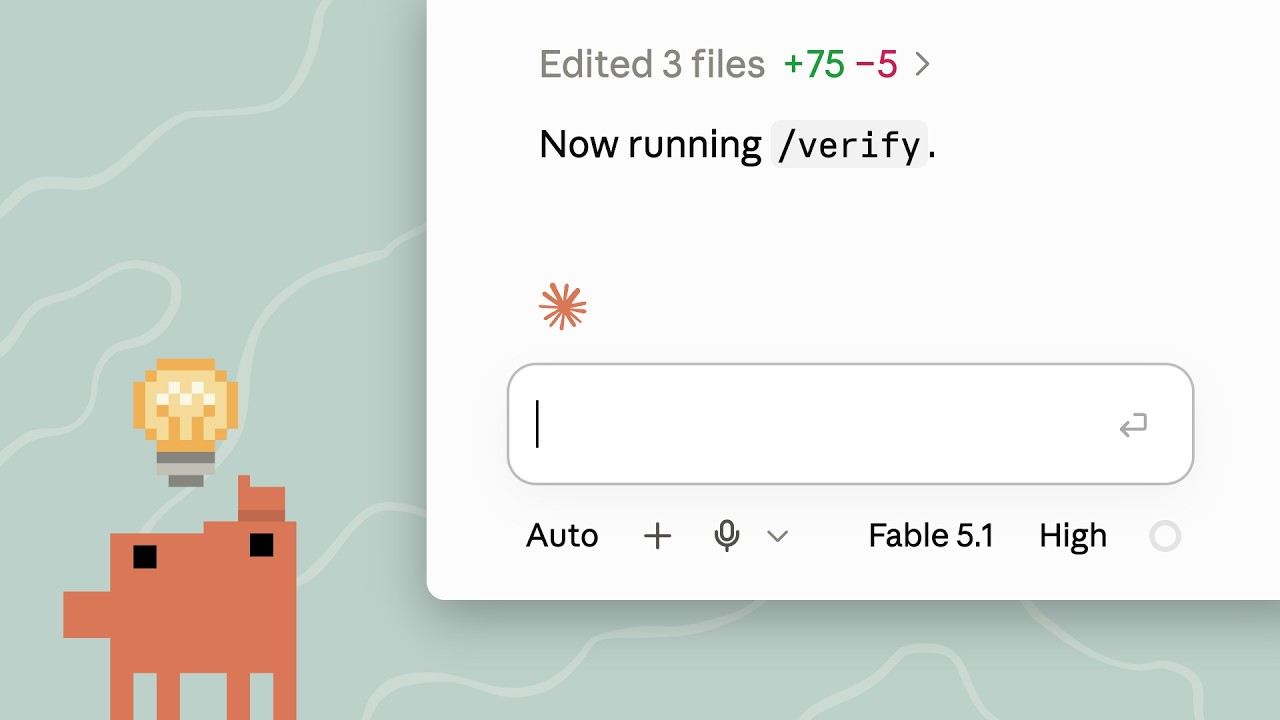 Key points + quizBuilding verification loops in Claude CodeThe talk's key points, each with its moment, and a quiz that sends you back to it.
Learning an AI tool from a long video? An hour-long tutorial becomes lessons: every chapter with the code from the screen, build-along steps and a quiz.
It works on any video, not only lessons: a recipe becomes a cook-along, a match a replay, a talk its arguments. See the latest pages ↓
The Beyond library
Learn a whole subject.
Learning paths and collections made from YouTube videos — courses with a practice terminal, pages to cook, fix and replay along with.
Made from real videos · play as much as you like
Games made from real videos
Free account
Learn by doing. Earn XP.
Missions, exercises and lesson tests earn XP. 500 XP opens any lesson for free. Your pages, collection and progress follow you to every device.
- +10 a mission
- +15 an exercise
- +10 a right answer
Lessons
Every lesson is free for now.
Every course, every lesson: the practice terminal, code that runs, exercises with checked answers, lesson tests and a final project.
Start a lesson →Live
Made with Beyond, just now.
The newest pages anyone has made, from all kinds of videos. Hover to see the video, click to step inside its page.
Updates on its own
The latest pages.
Each one was built by Beyond from a single video’s frames and transcript. Nobody edits them by hand.
Looking for pages…
How a page gets made
One button, under the video.
Add Open in Beyond to Chrome.
A small extension. It waits beside the Like button until you want it.
Press it under a video.
It reads that one video, its frames and its transcript. Not your history, cookies or account.
Step inside. Keep what you find.
About a minute later the page opens. Save details to your collection; sign in and it follows you to every device.